
How To Download M Aadhaar on your smartphone
mAadhaar lets you carry your demographic details like name, date of birth, gender, address and photograph that is linked with the Aadhaar number.
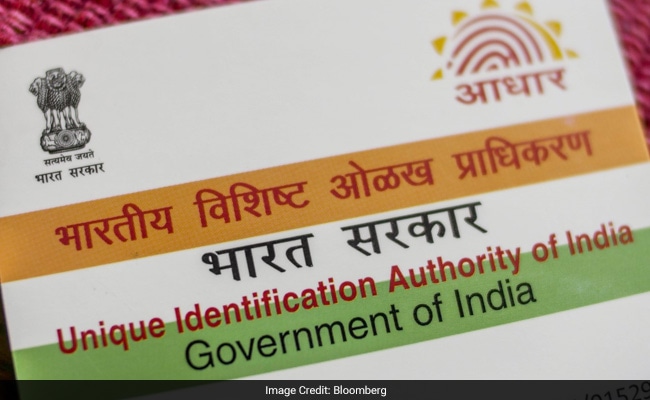
Only Android users can download the mAadhaar app currently.
Here's how you can download and use the app:
* Download the app from the Play Store
* The app asks for password as soon as it is opened
* User should enter a password of length 8-12 characters
* The password should contain at least 1 number, 1 alphabet, 1 special character and 1 alphabet in capital letters. For example: Sharma@123
* Note: To use the app, your mobile number must be registered with Aadhaar. If not, visit the nearest enrolment centre or mobile update end point
* Users can create a new profile by entering the Aadhaar number manually or by scanning the QR code on the Aadhaar card
The app comes with a biometric locking/unlocking feature to secure the personal data. Once a user enables the locking system, the app remains locked till he/she chooses to either Unlock it (which is temporary) or disable the locking system. It also has a "TOTP generation" (Time-based One-Time Password) process which can be used instead of SMS based OTP.
Comments
Post a Comment
Please comment your views and ideas.